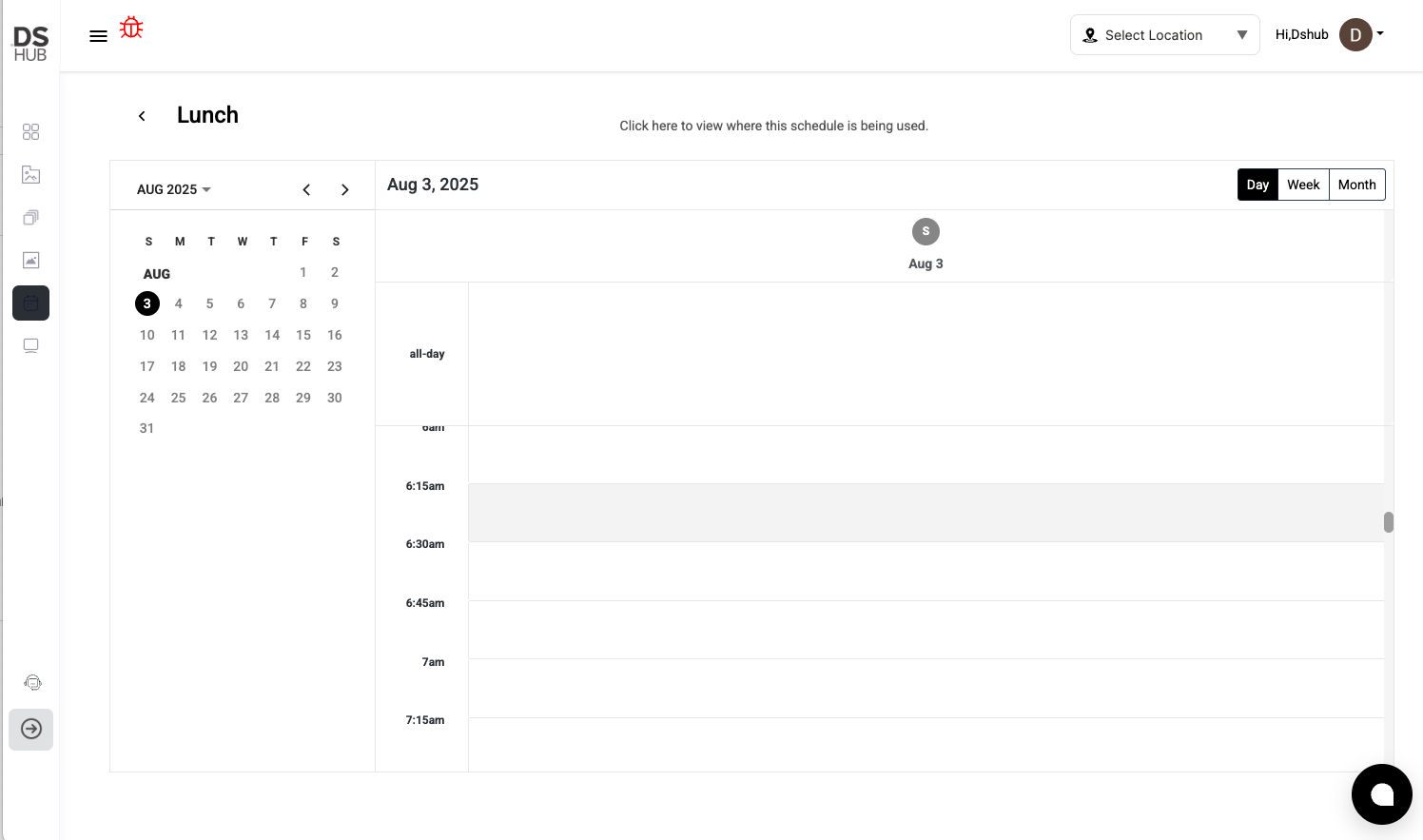
The Schedule Module lets you create schedules that define when your content plays on specific screens.
Here’s how to create a new schedule, step by step.
Step 1: Go to the Schedule Dashboard
-
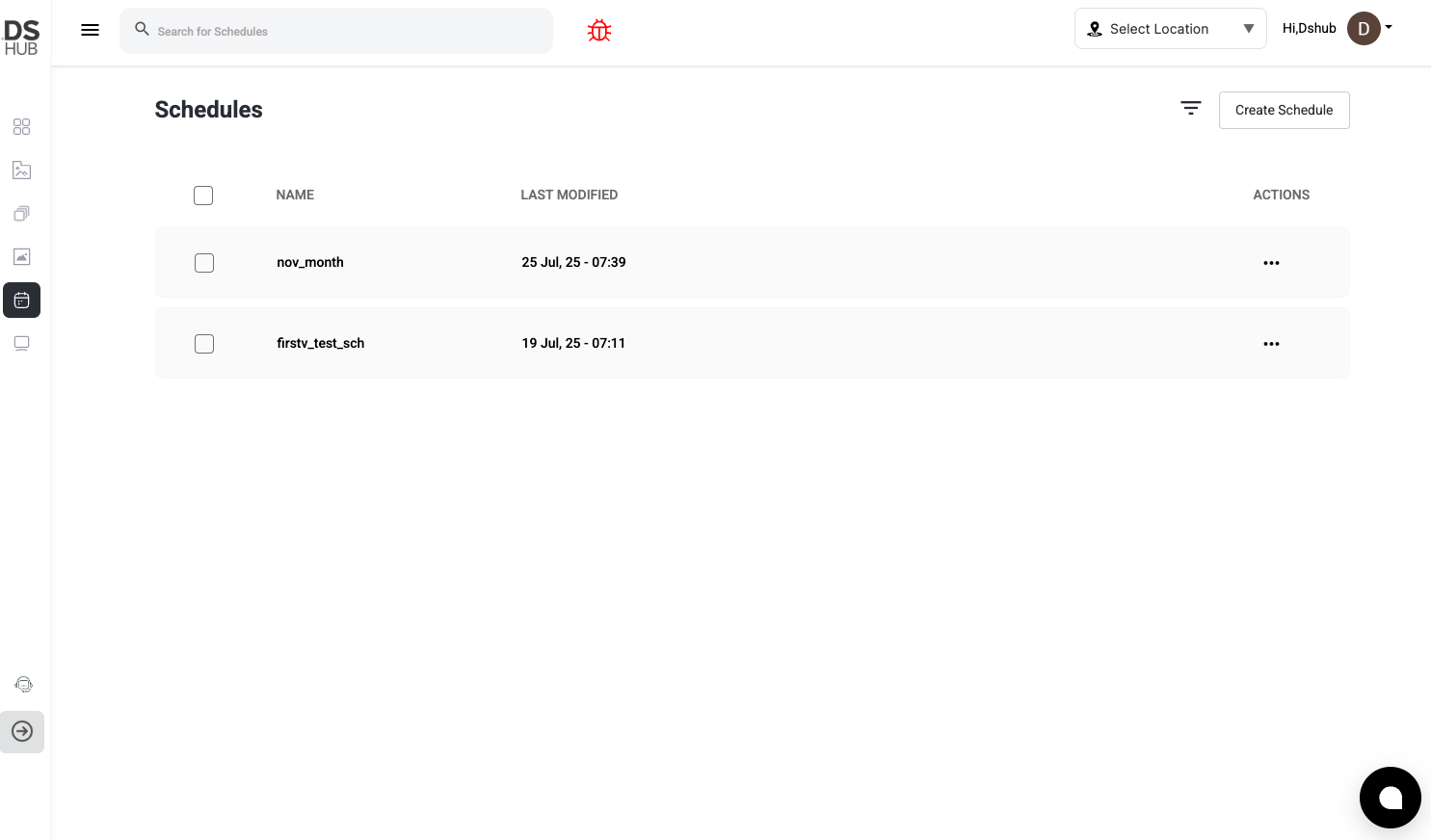
From the left sidebar, click the Schedule icon.
-
You'll see a list of all your schedules.
Step 2: Click Create Schedule
-
On the top-right, click Create Schedule
Step 3: Enter Schedule Name
-
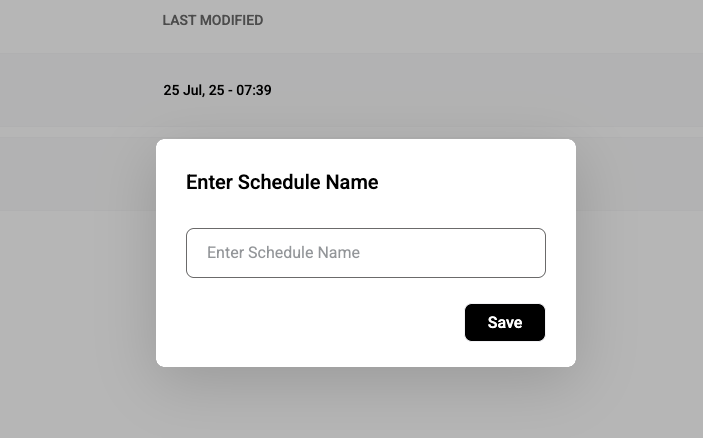
A popup will appear asking you to Enter Schedule Name.
-
Type a name (e.g., "Lunch Specials") and click Save